DomCop's Personal Crawlers: Finding Domains Nobody Lists
Every public drop list has the same weakness: it is public. The moment a good domain appears on ExpiredDomains.net or in an auction feed, hundreds of hunters see it in the same hour, and the price or the competition adjusts to match. Personal crawlers are DomCop's answer to that problem, and they attack it from the opposite direction: instead of filtering what everyone can see, they crawl the corners of your niche and surface expired domains that never make any list at all. Here is how the feature works, what a crawl campaign looks like in practice, and honest guidance on who should actually pay for it.
What are DomCop's personal crawlers?
DomCop is best known as an aggregator: one table pulling expiring, expired, dropped and auction domains together, with Majestic, Moz and other metrics attached for filtering. Personal crawlers are a separate feature on its Guru tiers, which include 10 to 50 crawlers depending on the tier. Each crawler is a standing cloud job that you point at seed URLs; it spiders outward from them, follows links hop by hop, and checks the registration status of the domains it encounters, flagging the ones that are expired or on their way out.
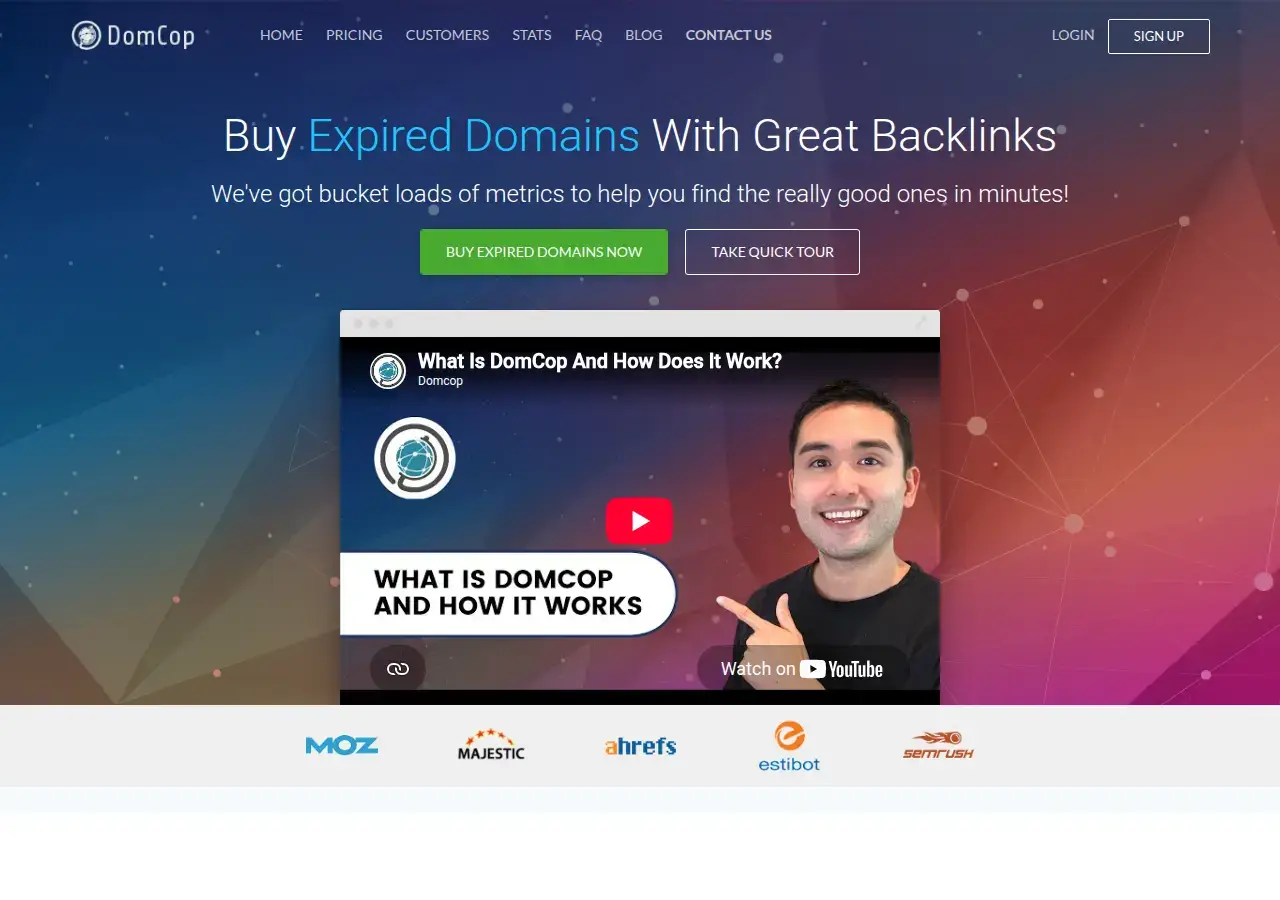
The DomCop homepage, captured August 2026
Because the crawls run server-side, there is nothing to install, no proxies to rent and no machine left running overnight, which is the practical difference from desktop-era crawling tools. Results come back with the same metric columns as the main tables, so vetting a crawler find works exactly like vetting a list find. And since the seeds are yours, what your crawlers surface is effectively private inventory: a domain that never appears on a public list has no bidding war attached to it.
How does a crawl campaign actually run?
The walkthrough below is an illustrative campaign for a hypothetical gardening niche; swap in your own vertical and the mechanics stay identical.
Step 1: collect seeds worth crawling
Seeds decide everything. Good ones are pages that link out heavily inside your niche: association member lists, "best blogs" roundups, resource and links pages, conference speaker rosters, old blogrolls, supplier directories. For a gardening crawl you might gather 30 to 50 URLs of horticultural societies, university extension programs and long-running gardening blogs. Thin, link-poor pages waste a crawler; hub pages feed it for weeks.
Step 2: launch and let it spider
Assign the seed list to a crawler and let it run. The crawler follows outbound links outward, and every hop is a chance to hit a domain whose registration quietly lapsed: a nursery that closed, a blog abandoned a decade ago, a tool site whose maintainer moved on. Nobody curates these into a feed, because no list operator knows they exist until someone crawls that exact neighborhood.
Step 3: vet what comes back
Expect a trickle rather than a flood: dozens to a few hundred candidates over time from a well-seeded niche crawl, not the 100,000+ names a global daily list carries. That is the point. Each find already has one property no filter can fake, a live link from a site you personally chose as an authority. Vetting is standard from there: anchor text profile, Wayback history, a TF:CF sanity check (a ratio below roughly 0.3 is a red flag), and an indexation check.
Step 4: catch what survives
Crawler finds split into the same buckets as any other find: already-dropped names you can hand-register at base price, names sitting in an expiry auction somewhere, and names heading to the drop that need a backorder. The hand-register bucket is the sweet one, and it is far fatter here than on public lists, precisely because nobody else ever saw the domain.
How do crawler finds compare with public lists?
| Dimension | Daily public lists | Personal crawlers |
|---|---|---|
| Who sees a find | Everyone reading the same feed that day | Effectively only you |
| Relevance | Global inventory; relevance is whatever your filters catch | Bounded by your seeds, so on-niche by construction |
| Volume | 100,000+ names a day to filter | Dozens to hundreds of targeted candidates |
| Skill required | Filter craft and fast triage | Seed curation up front, patience afterward |
| Typical checkout | Contested auctions and backorders | Often plain hand-registration |
| Cost | Free (ExpiredDomains.net) up to entry-tier paid | DomCop Guru tiers only |
Which tier do you actually need?
Honest guidance, because this is the expensive end of the product. DomCop sells annual plans starting around $68 per month at the entry tier, and that tier is list filtering only; the personal crawlers sit on the Guru tiers, which scale from 10 crawlers up to 50 as of mid-2026. There is no free trial on any tier. The safety valve is a 2-day money-back guarantee, which is enough time to seed a test crawl and judge the interface but not to finish a deep campaign, so walk in with your seed lists already prepared. Separately, a credits system covers analyzing domain lists you bring yourself, which matters if your discovery already happens elsewhere and you only need enrichment.
Skip the upgrade if you hunt broad, generic names: public lists plus disciplined filters already cover that ground, and our guide to niche filters that work shows how far filtering alone goes. Pay for crawlers when your niche is specific, when you keep losing contested names by hours, or when you are already doing manual backlink mining by hand and your hourly rate exceeds the subscription.
Alternatives before you commit
- Desktop crawling: Domain Hunter Gatherer runs the same seed-and-spider idea as a freemium desktop app; slower and more hands-on, but far cheaper. Our Domain Hunter Gatherer review covers where it still holds up.
- Manual backlink mining: exporting link profiles from Majestic or Ahrefs and status-checking the linked domains by hand costs nothing but time. A personal crawler is essentially this loop, automated and left running.
- The full landscape: we lined every option up in DomCop vs Domain Hunter Gatherer vs Scrapebox if you want the comparison before spending anything.
Frequently asked questions
Do other DomCop users see what my crawlers find?
Crawler results are tied to your seeds and your account, which is the entire value: finds are effectively private inventory rather than shared feed items. The same domain could still be found independently by someone crawling similar ground, but that is rare compared to public-list visibility.
How many seed URLs does a crawl need?
Quality beats quantity. A few dozen genuinely link-rich hub pages in one niche outperform a thousand random URLs, because every hop from a relevant seed stays roughly on topic. Start with 30 to 50 hubs and expand from whatever produces finds.
Is there a free trial for the crawlers?
No. DomCop has no free trial on any tier as of mid-2026; the fallback is a 2-day money-back guarantee. Prepare your seed lists before subscribing so the window measures results rather than setup time.
Can DomCop analyze a domain list I already have?
Yes, through its credits system for user-supplied lists, which is separate from the crawlers. If your discovery pipeline already produces candidates, credits for enrichment may fit cheaper than a Guru tier.